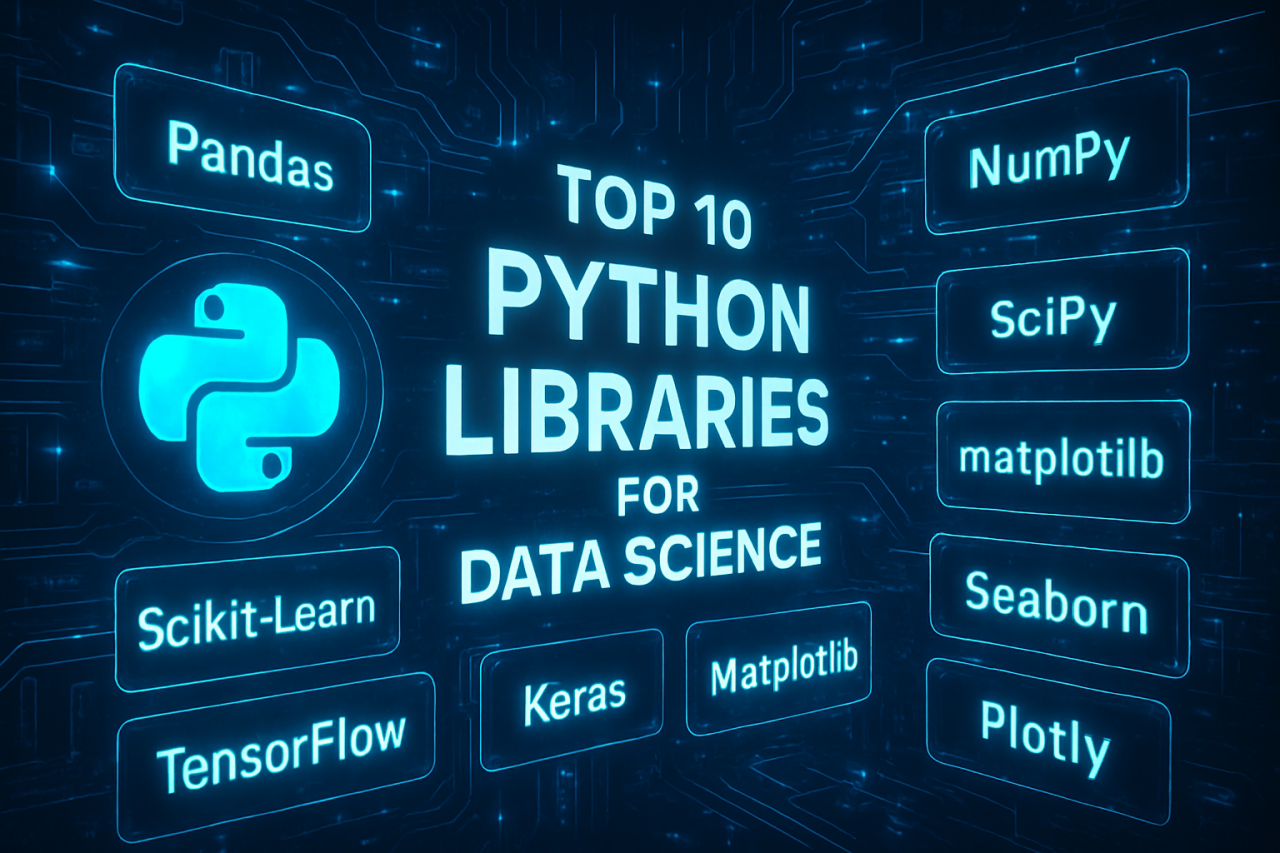
Top 10 Python Libraries for Data Science: The Avengers Assemble
Data science is a bit like assembling your own superhero squad: you need the right heroes for the right job. Python’s got more caped crusaders than the Marvel universe, but which ones will save your day (and your data)? Let’s roll out the red carpet for the Top 10 Python Libraries every data scientist should know—complete with practical insights, code snippets, and a dash of nerdy humor.
1. NumPy: The Mighty Thor of Arrays ⚡
Ever tried doing matrix multiplication with plain Python lists? Like opening a walnut with a banana—possible, but not recommended.
NumPy brings super-speed to numerical computations.
import numpy as np
arr = np.array([1, 2, 3])
print(arr * 10)  # [10 20 30]
Practical power-up: Underpins almost every other library. Without NumPy, Pandas would be a sad panda.
2. Pandas: The Swiss Army Knife 🐼
Pandas is to tabular data what coffee is to late-night coding—absolutely essential.
import pandas as pd
df = pd.read_csv('avengers.csv')
print(df.head())
Why it rocks: Data cleaning, wrangling, filtering… Pandas does it all. If you can dream it, you can DataFrame it.
3. Matplotlib: The Picasso of Plots 🎨
Data is beautiful, but not until you plot it. Matplotlib lets you turn numbers into art (or at least, decent-looking charts).
import matplotlib.pyplot as plt
plt.plot([1, 2, 3], [4, 9, 16])
plt.show()
Tip: If your plot looks like modern art, it’s not a bug—it’s a feature.
4. Seaborn: Matplotlib’s Stylish Sibling 🦚
Why settle for vanilla when you can have sprinkles? Seaborn makes your plots “Gram-worthy” with just a few lines.
import seaborn as sns
sns.histplot(df['power_level'])
Bonus: Built-in themes for when you want your plots to pop at a board meeting.
5. Scikit-Learn: The Machine Learning Maestro 🤖
Need to predict if your boss will love your data model? Scikit-learn is your go-to tool for everything from regression to clustering.
from sklearn.linear_model import LinearRegression
model = LinearRegression()
model.fit(X, y)
Fun fact: Scikit-learn is so user-friendly, even your grandma could build a classifier.
6. TensorFlow: Deep Learning’s Heavyweight Champ 🧠
TensorFlow is for when you want to build neural networks, not just neural notworks.
import tensorflow as tf
model = tf.keras.Sequential([...])
Heads up: May require GPU—and a few extra cups of coffee.
7. Keras: The Friendly Face of Deep Learning 😊
TensorFlow’s best friend. Keras wraps complexity in a hug, making deep learning approachable.
from tensorflow import keras
model = keras.Sequential([...])
Warning: Side effects may include an uncontrollable urge to classify cats and dogs.
8. Statsmodels: The Statistician’s Secret Weapon 📊
For those who want more p-values than a statistics exam, statsmodels is your library.
import statsmodels.api as sm
results = sm.OLS(y, X).fit()
print(results.summary())
Pro tip: Great for hypothesis testing and time-series analysis.
9. Plotly: Plots that Dance 🕺
If Matplotlib is a sketch, Plotly is a Broadway show—interactive, animated, and dazzling.
import plotly.express as px
fig = px.scatter(df, x='speed', y='power_level')
fig.show()
Use case: Dashboards, web apps, or impressing your manager.
10. BeautifulSoup: The Web Scraping Wizard 🍜
Because sometimes the data you need is trapped in the wilds of the Internet.
from bs4 import BeautifulSoup
soup = BeautifulSoup(html_doc, 'html.parser')
Secret sauce: Combine with requests to build your own data pipeline (or the world’s weirdest recipe app).
Final thoughts:
Every data scientist has their own toolkit—mix, match, and experiment! Python’s secret isn’t just in its syntax, but in its thriving ecosystem. So go on, assemble your superhero team and let your data tell its story.
Remember: With great libraries comes great responsibility. Use wisely, code creatively, and don’t forget to have fun!

Comments (0)
There are no comments here yet, you can be the first!